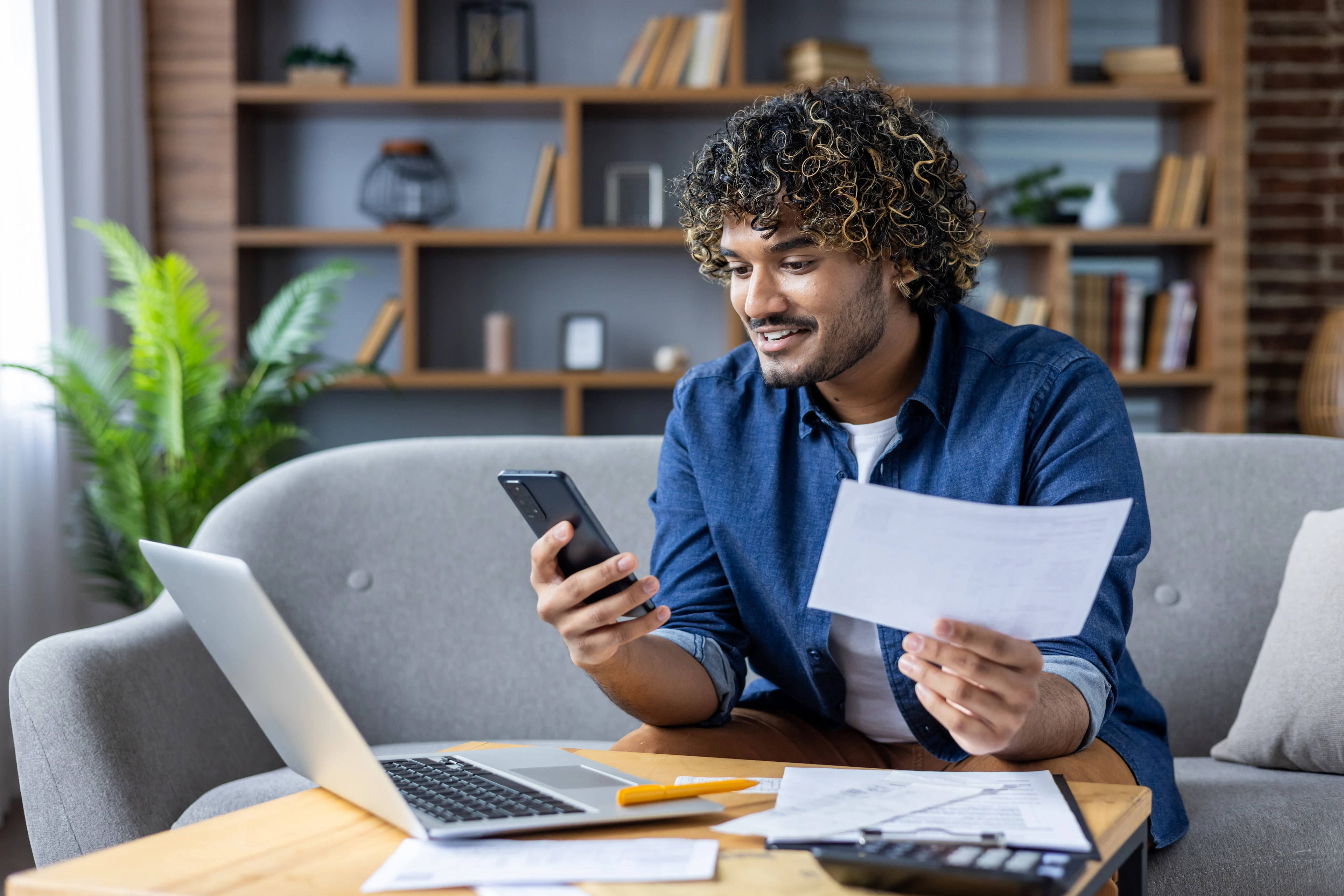
Not everyone uses credit cards, and the reasons may be very personal. Some consumers have bad credit and can’t get a card, or choose not to use one until they get out of debt. Others find them difficult to use and stay within their budget. Still others avoid cards for privacy reasons.
While the reasoning behind not having a credit card may differ, the truth remains: It’s still simple to pay for products and services without a credit card.
However, some business websites prioritize card payments, as they simplify billing agreements and subscriptions, ensuring the business receives timely payments. From the business’s perspective, credit cards make a lot of sense.
So, what happens when the world seems built for credit card users? How can you avoid being at a disadvantage for convenience and speed of payment?
We’ll walk you through the online bill pay alternatives to show you just how easy it can be to manage without a credit card. You may even find you prefer them to traditional plastic!
4 ways to pay bills online without a credit card
No credit card? No problem. These four methods are accepted by many larger service providers and billers. (Just be sure to ask if you’re not sure, and follow the directions for setting up each payment type within your account.) You may find that one or more work well with your existing financial habits.
ACH payments
You may be wondering, “What is an ACH payment?” While the term might not seem familiar, the process is something you’ve probably encountered before, especially when it’s payday. The Automated Clearing House (ACH) transfer is what’s likely used when you get your paycheck deposited directly into your account. This direct deposit technology works the same as an ACH payment for bill pay, only instead of the money going into your account, it comes out (where it’s then deposited into an account for your service provider).
ACH payments are safe, secure, and reliable. You can schedule them to happen on a set day each month, so there are no surprises. One thing to keep in mind is that ACH payments may not occur on bank holidays or weekends, so you’ll want to set them up well in advance of your due date to avoid late fees.
Additional ACH payment tips:
Watch the first scheduled ACH payment carefully to be sure you set it up correctly. If you don’t see the money come out of your account by the due date, check the payment details to make sure they match your account info. Any questions should be directed to the service provider and then to your own bank.
Prepaid debit cards
Since they can generally be used in the same places as regular credit cards, prepaid debit cards have become a common way to pay bills online. They are secure, convenient, and don’t require a minimum credit score or established credit history.
To use a prepaid card like the one offered by Netspend online1, you’ll need to register it first. This is a simple process that involves you filling out the mailing address and phone number associated with your account. This information will need to match the information you provide when you eventually use the prepaid card to pay your online bills.
From there, you can use the prepaid debit card in the same way you would a credit card. Enter your account number, expiration date, and CVV (three-digit code on the back of the card). When the payment process is initiated, the money will be debited from your prepaid account balance, so be sure you have enough to cover the charge.
Additional prepaid debit card tips:
Register your card properly, as a mismatch between your billing address/phone number and the card information could prevent the payment from going through. If possible, avoid saving your card details to the billing account. (If it asks you to “save payment” for future bills, decline.) This way, if someone gets access to your online account, they won’t be able to see your card details or use them for other purposes.
Also, be aware of any prepaid debit card fees. While these are usually limited to out-of-network ATM withdrawals or instant payments, some service providers may charge a small fee to process your card. Factor these fees into your total cost when budgeting, and be sure to record the total amount properly in your budgeting app or tracking service.
Online bill pay services
One of the more popular ways to make online payments with no credit card is with the online bill pay services offered by your bank or credit union. To use these services, simply log into your account and set up each payee (or company you’ll be paying). Then, provide your account information and contact details before choosing a payment date.
Many consumers prefer to set up recurring payments so they don’t have to manually initiate payment each month. Then, when the payment date comes each month, the payment gets sent directly from your bank to the service provider. (In some cases, if the service provider doesn’t accept electronic payments, your bank may send out a check.)
Additional online bill pay service tips:
Always double-check the payee info, so your payment goes to the right place and you get credited appropriately. You’ll also want to put the upcoming payment into your budgeting app, so you can be sure you have enough money to cover it. (If you have insufficient funds at the time the payment comes out, you could be charged fees from both your bank and the service provider!)
Since it can take two to five days for the payment to process, schedule it in plenty of time to arrive at your service provider before the due date. You don’t want to get hit with a late fee.
Digital wallets
Digital wallets are apps or features on your smartphone, although some work on a desktop computer, too. They are a storage platform for all of your debit, credit, prepaid, and compatible gift cards, so you can use these payment methods without having to carry them around. Once you put your card’s information into the wallet, you can select that payment method from the wallet and use the wallet’s technology to complete your online payment.
For example, if you store your Netspend® Visa® Prepaid Card in your Google Pay wallet, you can use Google Pay at checkout when paying your utility bills. Then, choose the Netspend card as your preferred payment method. You can complete the payment without typing out your Netspend card number. It’s processed seamlessly.
Digital wallets work well because you can pick between available cards quickly. Also, your card information doesn’t get shared with the merchant or service provider. Instead, the digital wallet generates a unique, one-time code for each payment you make.
Additional digital wallet tips:
Because your digital wallet works with your smartphone, you’ll want to make your phone login as secure as possible. Consider a strong device passcode that no one could guess, and one that’s not used for your other devices. Then, turn on transaction alerts so you receive a text each time your wallet is used to make a purchase.
Also, avoid using public Wi-Fi when using digital wallets, especially on unsecured networks. (If the network doesn’t ask for a password, it’s not secure.) Consider using your data plan or wait until you get home if you have to pay a bill online with your digital wallet.
Online payments without a card is possible
While it may seem that everyone around uses credit cards to pay their bills, this isn’t the whole picture. In fact, digital technology is making it so much easier to pay through other means, whether it’s by using an ACH bank transfer or a prepaid debit card.
So, which alternative bill pay method is right for you? The best option is the one you can use safely, easily, and within budget. Ask yourself these questions to help you decide:
Do you already have a bank account? If you have a checking account you love, you may be a good fit for ACH payments or online bill pay services. Your bank can help you set up these features. Just be sure to ask about any fees, as some may charge a monthly service fee or a flat fee per payment.
Do you not have a bank? That’s OK. Your reloadable debit card can store your cash and make it convenient for you to pay bills online (as well as everywhere else you shop). Simple budgeting features and low fees can help you prioritize important bills as well as “fun money” spending.
Do you like paying with your phone? If you like using your phone to conveniently pay, you can set up your bank account or your prepaid debit card to work with it. Digital wallets ensure you don’t have to remember card numbers or carry plastic around.