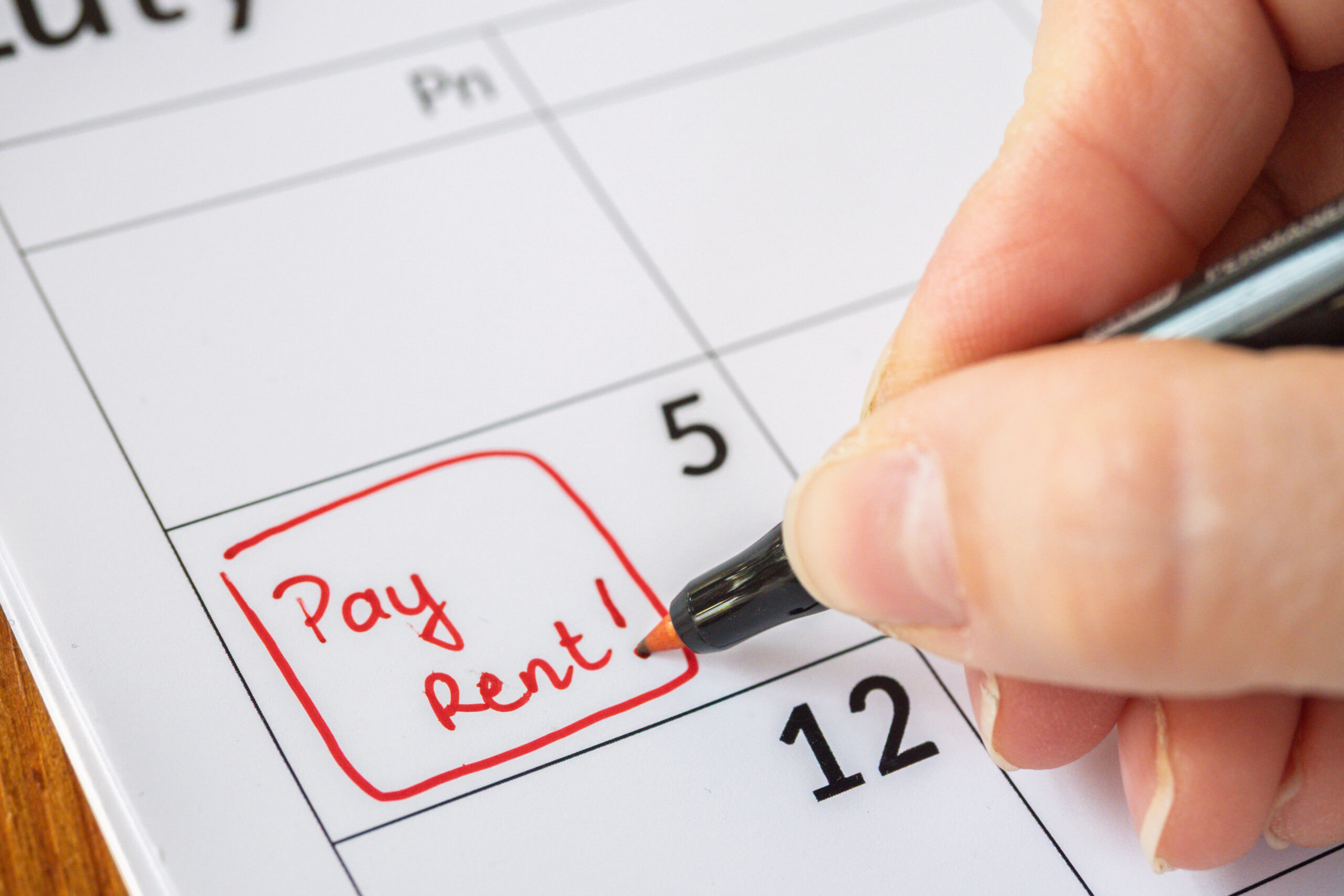
If you have your paycheck or benefits deposited directly to your prepaid card, you may have most of your money sitting on your card waiting to be used. So, what happens when it comes time to pay your rent? Most landlords don’t accept card payments for rent, and instead prefer cash, checks, money orders, or direct bank transfers.
This can leave you in a tough spot, especially if rent is coming due soon.
Fortunately, there are some workarounds you can use to pay your rent with a prepaid card, including converting the card funds to a more practical payment method or using third-party bill pay services. We’ll walk you through how each workaround works, so you can pick the option that’s best for you — and your budget.
Why you usually can’t pay rent directly with a prepaid card
Prepaid cards work like debit cards, using some of the same technology for payment processing at the retailer’s location (or, in this case, the landlord’s office). However, unlike traditional debit cards, prepaid cards aren’t connected to a checking account. They are standalone accounts and can’t be used for traditional ACH transfers, writing checks, or other types of electronic funds transfers.
So, if your rental office requires you to pay using ACH or check processing, your prepaid card won’t work.
Card payments, whether debit or prepaid, also come with extra processing fees for your landlord. Rental offices may be reluctant to accept any type of card payment based on this added cost alone.
Workarounds for paying rent with your prepaid card
While most rental offices won’t accept a prepaid card for paying your rent, you still have a few options for accessing that money. Here are some of the most common ways to get the cash from your card into your landlord’s hands.
Option 1: Buy a money order with your prepaid card
Money orders are widely accepted by landlords, since they can be cashed or deposited like cash. And unlike checks, you don’t need a bank account to issue them.
The downsides to a money order are that they can be inconvenient to buy and almost always come with an additional fee at the point of purchase.
Still, using money orders is a very popular option for many renters. Here's how to do it:
- Go to a retailer that sells money orders, such as Walmart, certain grocery stores, pharmacies, or your local post office. Bring your prepaid card for payment.
- Ask the clerk or cashier for a money order in the amount of your rent. Let them know that you’ll be paying with a prepaid card, and ask what the total will be (with fees).
- Swipe or insert your card to pay. The amount will be your rent, plus the money order fee. (The U.S. Postal Service charges between $2.55 and $3.60, with other retailers setting their own fees.) Your card may also charge a fee for non-purchase retail transactions, so check the terms of your card for full details.
- Fill out the money order with your landlord’s name as the payee and your own name and information as the payor.
- Keep your receipt as proof of purchase.
- Go to your landlord’s office and hand the money order to them directly, or send it through the mail to the address they specify. (If mailing, use a secure mailing service with a tracking number.)
Option 2: Use your prepaid card’s “mail a check” feature
You may be able to mail a check with a prepaid card by using your provider’s built-in bill pay tools. The benefits of this option are that it doesn’t require a traditional bank account, and the checks are widely accepted by landlords.
However, the downsides are that checks can take longer to process, and you’ll need to add extra time for payment if the check is sent through the mail. Also, not all prepaid cards offer this feature, and those that do may charge an additional fee to use it. Checks also expire if they aren't cashed on time.
If this solution sounds like it will work for your rental situation, here are the steps to make it happen:
- At least 5-10 business days before your rent is due, log in to your prepaid card account or mobile app. Make sure you have enough funds in your card account to cover the check amount.
- Choose the “mail a check” or similar option.
- Enter the payment information for your landlord or rental office. Double-check to make sure you have the right address and rent amount.
- Confirm the details, including any additional fees for the service, and approve the transaction. The card provider will send out a check to the address you entered.
- Let your landlord know the check is on its way and offer the tracking information, if available.
- Follow up to make sure the rent payment arrived on time. You can contact your prepaid card provider if you have issues or concerns.
Option 3: Use a third-party bill pay service
Another way to pay a landlord with a prepaid card is through a third-party bill pay service. Many services exist, such as PayRent, RentSpree, Apartments.com, and Buildium, but they must be set up by your landlord. If your landlord doesn’t participate, you can use a service like Kasheesh that lets you combine up to five prepaid, debit, or credit cards to cover the rent costs.
Keep in mind that not all bill pay services accept prepaid cards. Also, if you use the service to issue a check, it can take several business days for the money to arrive.
Here’s how to do it:
- Set up an account with your choice of bill pay service. (Verify that it accepts prepaid cards first, and check to see what the fees will cost.)
- Enter the landlord’s payment information, including mailing address, if issuing a check, or bank account number, if choosing direct bank transfer.
- Choose “credit/debit card” as the payment method, and enter your prepaid card details.
- Confirm payment and make note of any transaction or tracking number.
What to consider before choosing a rent payment method
If you’re set on using your prepaid card to pay your rent, you should think through all the options, what they cost, and how they fit your timeline. Questions to ask include:
What are the fees or costs?
All the workaround options may come with some added cost, whether it’s the cost for a money order and postage stamp, a third-party bill pay fee, or the fee for the prepaid card to process certain transactions. Consider how this additional fee will affect your rent total and whether you’ve budgeted for this extra cost.
How quickly do you need to pay?
Some payments, such as checks or money orders through the mail, take much longer than electronic payments. You should factor in the processing time and the number of days it takes for the mail to reach your landlord. Account for the total maximum time it takes for the payment to arrive and ensure you have enough wiggle room to use the method of your choice.
What does your landlord require?
If you haven’t asked what payment types your landlord accepts, now’s the time to do so. For example, make sure they don’t have a limit on the amount of a money order they'd accept. (Some rental offices may not accept large money orders because of fraud concerns.)
Also, you'll want to make sure they'll accept a payment from a third-party bill pay service. Check well ahead of time to see what they accept, the information needed to make the payment (address or bank account number), and whether you need to provide them with a tracking number or payment receipt.
Different options for different situations
Many renters wonder: Can prepaid cards pay rent at all? The answer depends on what methods your landlord accepts.
Even if your landlord doesn’t accept a prepaid card directly, you can still use the cash on your card to meet your rent obligations by using one of a few workaround methods. Depending on your timeline and budget, you may find one option works better than another for any given month. (If you use Netspend, rent payment options include purchasing a money order with your prepaid card or using online bill pay services.)
No matter which method your landlord accepts, check in early and often, and don’t hesitate to communicate with them if you suspect your payment got lost. While you may still be charged a late fee, you won’t keep them guessing and may be offered some extra time to figure things out.
This blog post represents insights researched by Netspend and does not reflect the views, opinions, or endorsements of our Bank Partners/ Pathward®, National Association, Member FDIC, or any financial institution , third-party platforms, companies or products mentioned.
Sources:
Paying bills with prepaid cards https://www.investopedia.com/ask/answers/110614/can-i-use-prepaid-credit-card-pay-bills-or-transfer-money-other-accounts.asp
Difference between debit and prepaid card accounts: https://www.consumerfinance.gov/ask-cfpb/how-are-prepaid-cards-debit-cards-and-credit-cards-different-en-433/
Money order fees: https://www.usps.com/shop/money-orders.htm
Rental money order fraud recommendations: https://innago.com/rent-payment-fraud/